Now on the Snap Store — Linux

Block Mesh Editor
for OpenFOAM

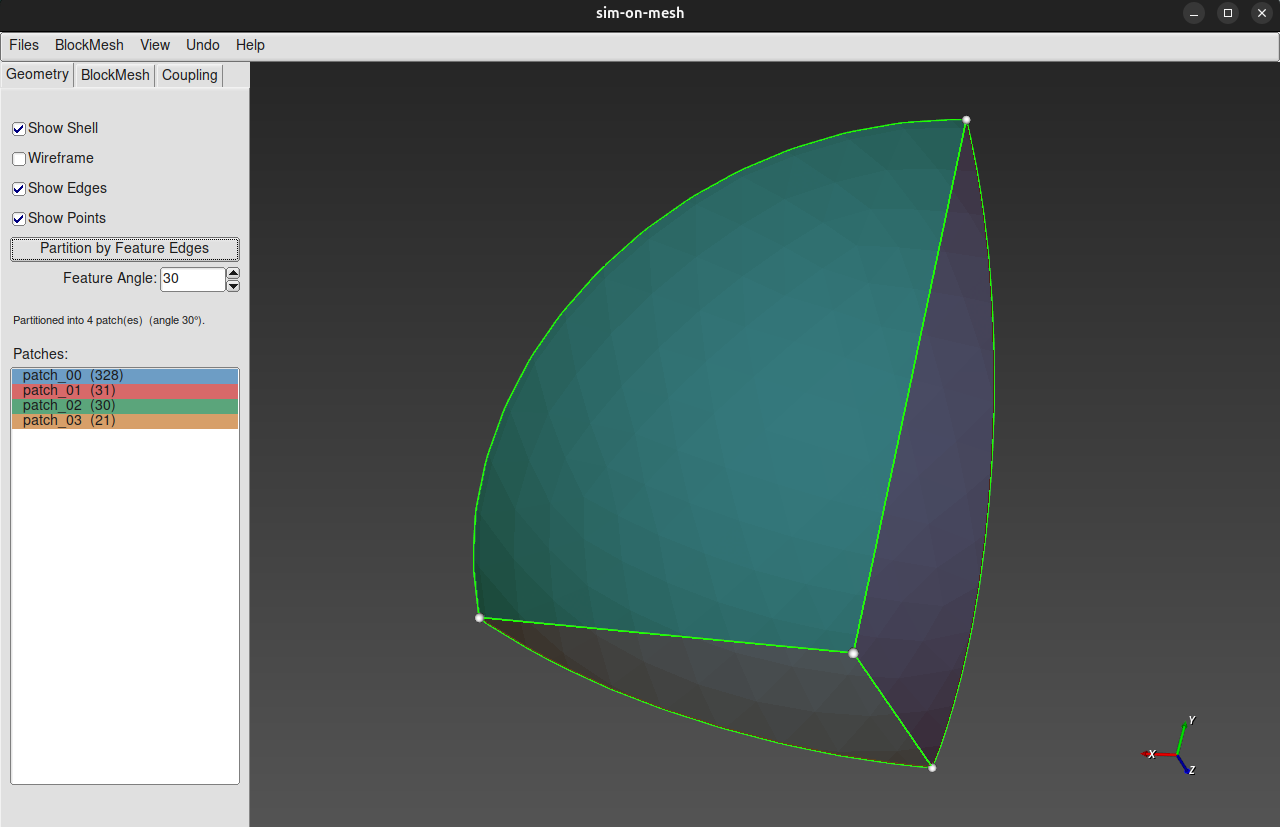
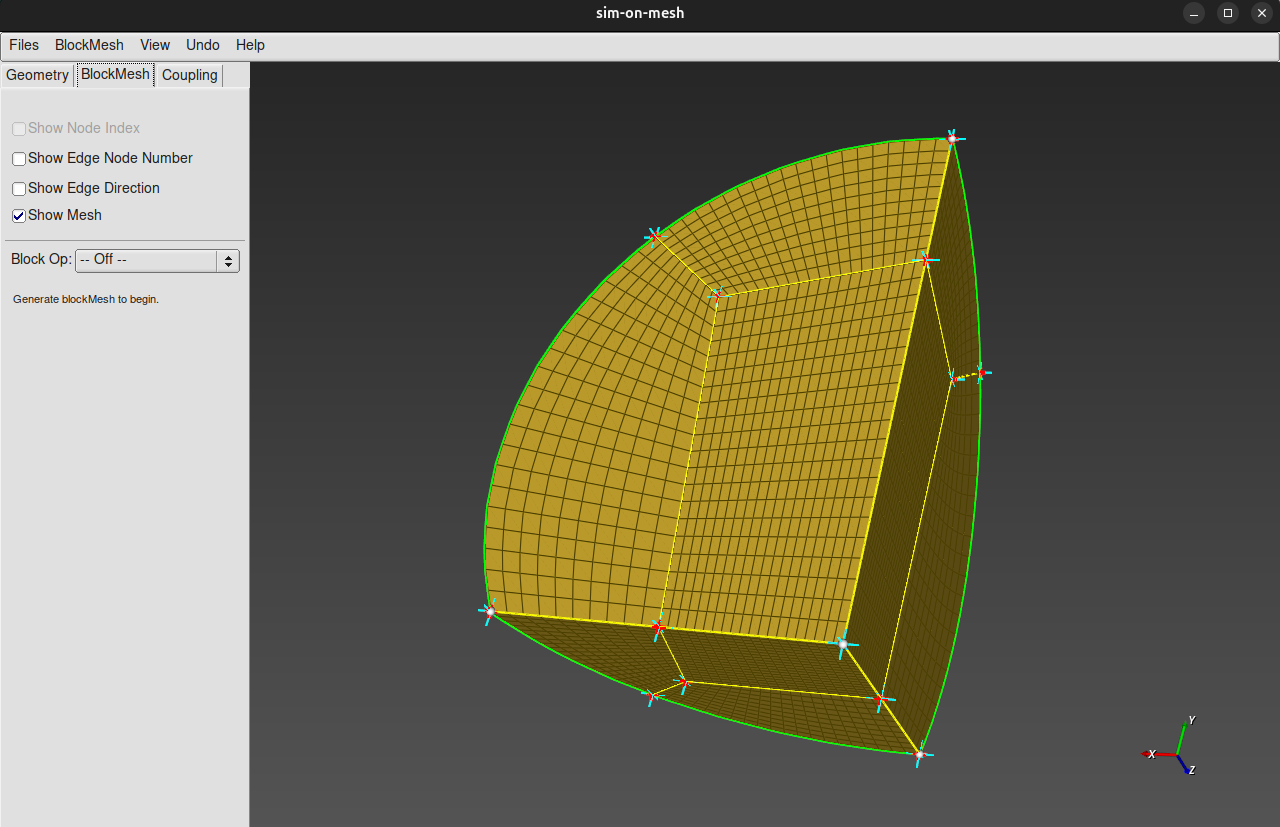
Design structured hex meshes interactively. Load STL geometry, manipulate blocks in 3D, control grading and cell counts, then export directly to blockMeshDict.

30-day free trial · No credit card required

SimOnMesh — blockMesh
Sim-on-Mesh
$ sudo snap install sim-on-mesh
sim-on-mesh 1.2 installed
$ sim-on-mesh
Loading geometry engine...
Ready
30+
Block operations
STL
Geometry import
O-Grid
One click
polyMesh
Direct export

Everything you need to mesh a blade

A native desktop app built on VTK and FLTK — fast, offline, no browser required.

🧊

Interactive 3D Viewport

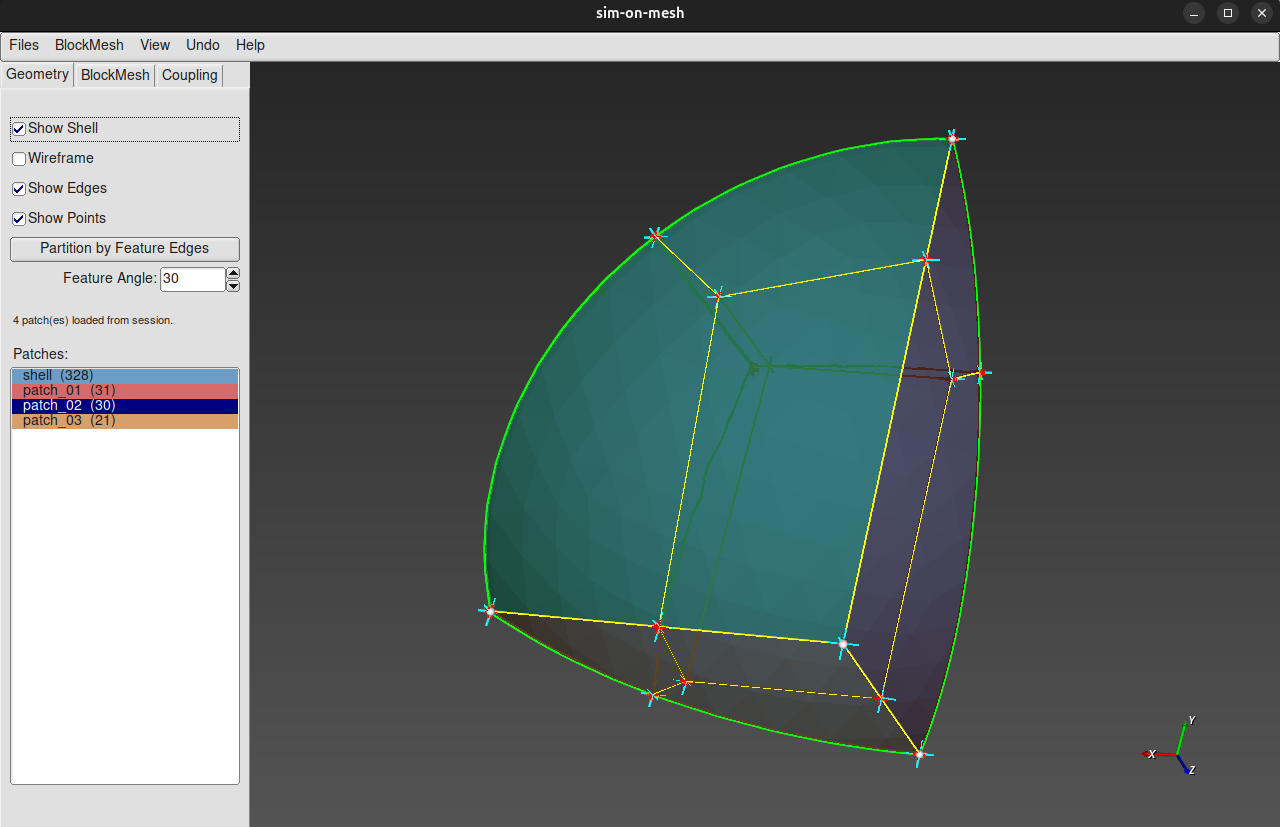
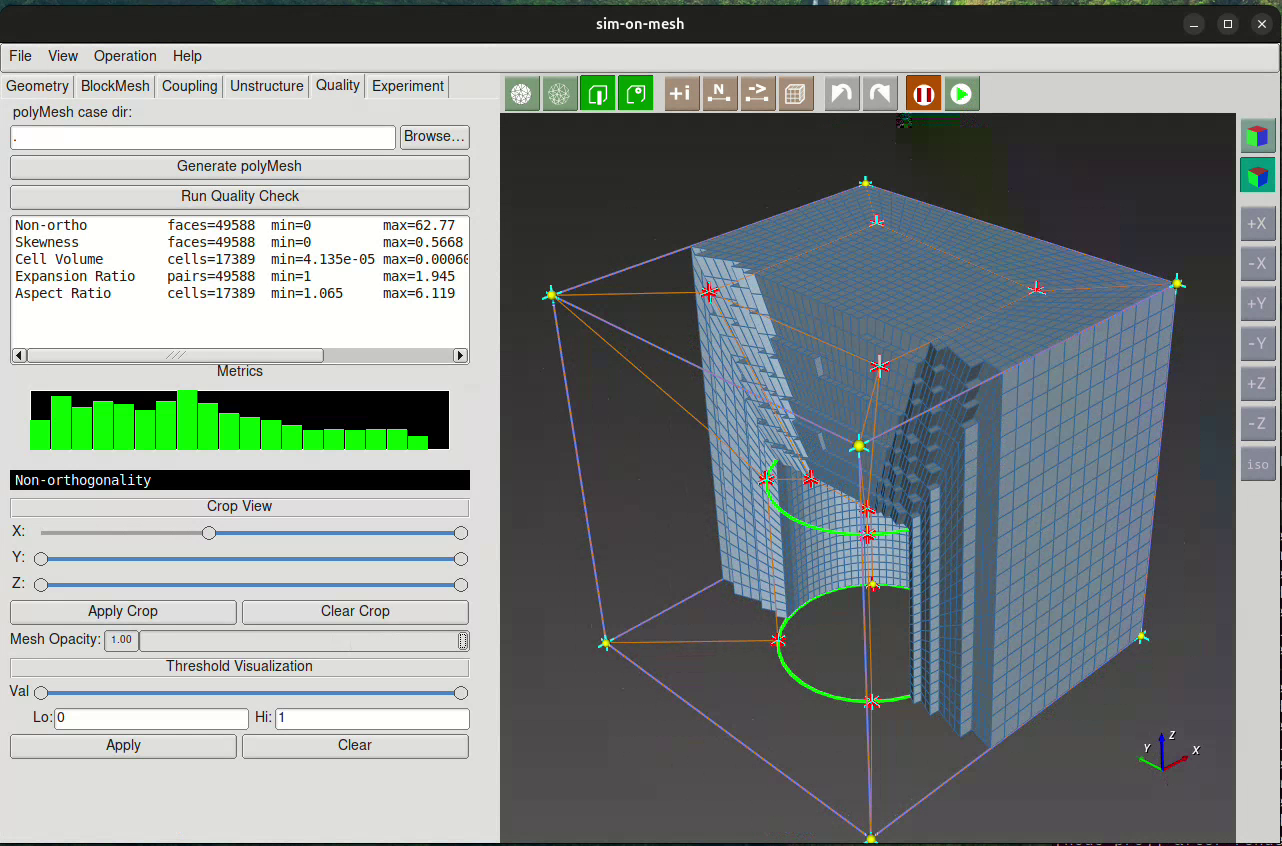
Rotate, pan, and zoom your hex mesh in real time. Select vertices, edges, and faces directly in the 3D view.

📐

STL Geometry Loading

Import STL surfaces as reference geometry. Project block faces, edges, and vertices onto curved surfaces automatically.

✂️

Block Split & Extrude

Split blocks along any direction at an arbitrary fraction. Extrude faces outward to grow the mesh layer by layer.

O-Grid Generation

Wrap an O-grid ring around selected faces with one operation — ideal for cylindrical and blade geometries.

📊

Edge Grading Control

Set cell counts and expansion ratios per edge direction. Grading propagates consistently across all linked blocks.

📁

blockMeshDict & polyMesh Export

Write a valid OpenFOAM blockMeshDict or run the full block mesh pipeline and export a polyMesh directory.

🔁

Undo Support

Single-step undo for all topology operations — split, extrude, O-grid, merge, and delete.

🏷️

Boundary Patch Assignment

Tag block faces with named boundary patches (inlet, outlet, wall, symmetry) ready for OpenFOAM boundary conditions.

🖥️

Native Linux App

Distributed as a Snap package — install in seconds, runs offline, hardware-accelerated via your system GPU driver.

From geometry to mesh in minutes

Sim-on-Mesh fits into a clean pre-processing workflow for OpenFOAM CFD simulations.

1

Load Geometry

Import your blade or component as an STL file. The geometry appears in the 3D viewport as a reference surface.

2

Build the Block Structure

Create the initial block, then split, extrude, and delete blocks to match the topology of your geometry.

3

Project & Grade

Project block faces onto the STL surface. Set grading and cell counts for boundary layer resolution.

4

Export to OpenFOAM

Save a blockMeshDict or run the full pipeline to get a polyMesh ready for simpleFoam or pimpleFoam.

Subscription

Full-featured access for professionals and teams.

Monthly Plan
Professional License
$19/month
billed monthly · cancel anytime
  • Full access to all block mesh operations
  • STL geometry loading & surface projection
  • O-Grid, split, extrude, merge tools
  • Edge grading & cell count control
  • blockMeshDict & polyMesh export
  • Continuous updates while active
  • Email support

Secure checkout via Paddle · All major cards & PayPal accepted
30-day free trial available — try first

Start your free trial

Install in seconds. No account needed for the 30-day trial.

Linux

The primary platform for OpenFOAM users. Install via the official Snap Store.

Get it from the Snap Store

Terminal installation:

$ sudo snap install sim-on-mesh

Windows

Native Win32 version for Windows 10 & 11.

Coming Soon Windows support is in development

Minimum Requirements

  • ✓ Linux x86_64 (Ubuntu 20.04+, Fedora...)
  • ✓ Windows 10/11 (Coming soon)
  • ✓ OpenGL 3.3+ GPU driver
  • ✓ 4GB RAM minimum

Global Reach

Sim-on-Mesh is used by CFD engineers and researchers worldwide.

Join our growing community of OpenFOAM enthusiasts. Watch tutorials →